Videos / Browse by task Retention / holdback
17 video lessons on retention / holdback, in English, French, Italian, Chinese, Bulgarian, Spanish, German and Croatian, set in the United States, Ontario (Canada), Québec (Canada), Italy, China, Bulgaria, Spain, Germany, Croatia and the United Kingdom. Each one is shown step by step in OpenConstructionERP, with chapters and a full transcript. In other languages: Einbehalt · Retenue · Zadržani iznos.
3:13 EN · United States
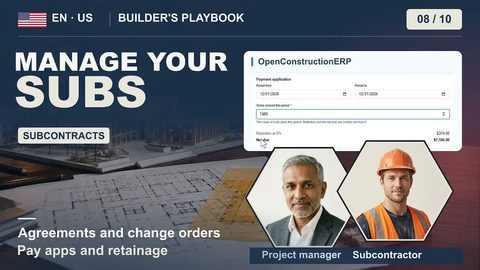
Manage Your Subs: Pay, Hold Back
Follow the framing subcontract on the example duplex through its agreement, a change order, payment and retainage in OpenConstructionERP. Retainage terms and release requirements depend on the applicable contract and law.
4:57 EN · Canada · Ontario
CCDC 2 Monthly Progress Draw
Once a month on a CCDC 2 job you bill the owner for the work in place, and Ontario law makes the owner hold back 10%. Set up the contract, bill a $184,300 draw, and see what stays on your own calendar.
4:48 EN · Canada · Ontario
Schedule to Substantial Performance
On an Ontario job, the day that matters most for your money is the day the work is substantially performed. Take a townhome project from the schedule to that finish line, and see how it starts the holdback clock.
4:37 FR · Canada · Québec
Facturation, retenue et hypothèque légale
How do I prepare a payment application with contract retention in Québec and keep my legal hypothec?
4:59 IT · IT
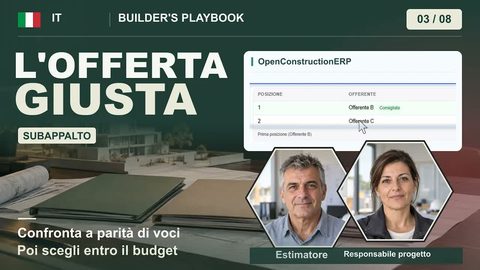
Subappalto: confrontare le offerte e scegliere l'impresa
How do I compare three subcontractor bids fairly when the lowest one leaves out a line?
4:57 IT · IT
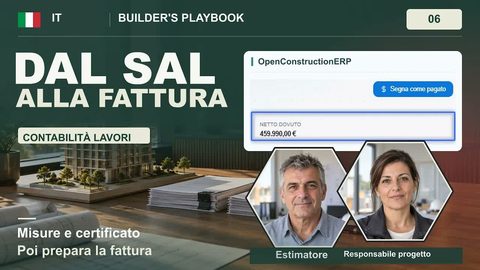
Stato di avanzamento lavori: dal certificato alla fattura
How do I get from site measurements to a progress certificate and an invoice with the right retention?
5:09 IT · IT
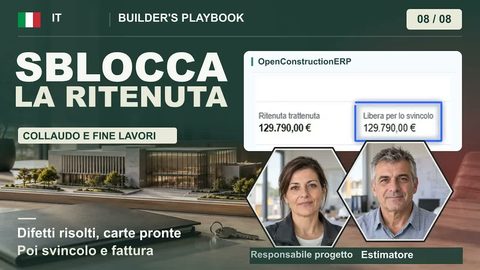
Fine lavori: collaudo e svincolo della ritenuta
What do I need to get the held-back retention released and invoiced at the end of the job?
5:25 ZH · CN
预付款基数怎么核对:签约一周的三笔钱与三张保函
How do I calculate the advance payment, the safety fee and the retention correctly in the week the contract is signed?
5:25 ZH · CN
竣工结算审核:送审3,701.18万,审定3,664.7万
Why does the employer's audit cut a final account, and how do I get the last payment and retention?
2:21 BG · BG
Акт 19: от изпълнените СМР до сумата за плащане
How do I turn the work done this month into an Act 19 and the amount I can invoice?
2:17 BG · BG
Окончателен акт: остатък от аванса, приемане и гаранции
How do I issue the final act so the advance is recovered exactly, and set up the warranty periods?
2:00 ES · ES
Recepción y liquidación de obra: repasos, certificación y garantía
When is a public works contract really closed: what happens at the recepción, the snag list, the final certification and the guarantee until the liquidación?
2:43 ES · ES
Obra privada: certificación, retención del 5 % y factura
On a private job, does the invoice carry VAT, and what happens to the 5% the client withholds from each certification?
4:02 DE · Germany
Nachträge und Abschlagsrechnungen prüfen
How do I check two Nachträge and two Abschlagsrechnungen before the client pays, with the 5% Sicherheitseinbehalt calculated by the platform?
3:45 DE · Germany
Bauabnahme und Schlussrechnung
How do I run the formal Abnahme, record the defects, check the Schlussrechnung and close the cost chain with the Kostenfeststellung?
4:50 HR · Croatia
Podizvođači: ugovor, situacija i plaćanje
How do I contract earthworks to a subcontractor, check its first situacija against the site and pay it with a 5% retention?
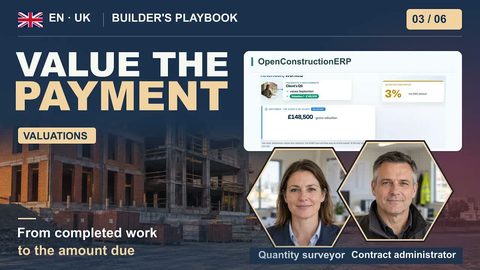
6:25 EN · GB
JCT Interim Payments and Retention
This example follows an interim payment on a JCT-style building contract in OpenConstructionERP. We enter the contract terms, value the work completed and calculate retention before reviewing the amount due. Setup Cost database Estimating Quantity takeoff BIM models BOQ & GAEB Markups & tax Tendering & award Contracts Progress billing Payments Change orders Schedule Purchasing & stock Site control Budget control Handover Documents & RFIs Project setup