







































Course introduction · 3 min
Client-side risk and funding approval (UK, NEC4)
You are the Project Manager for the Client on a two-storey health centre in England, appointed under NEC4. Before the contract is signed the Partnership's board must fund it, and nobody has priced the risk the contract leaves with the Client. In five tasks you build that figure, take it to the board and keep it honest when the job starts.
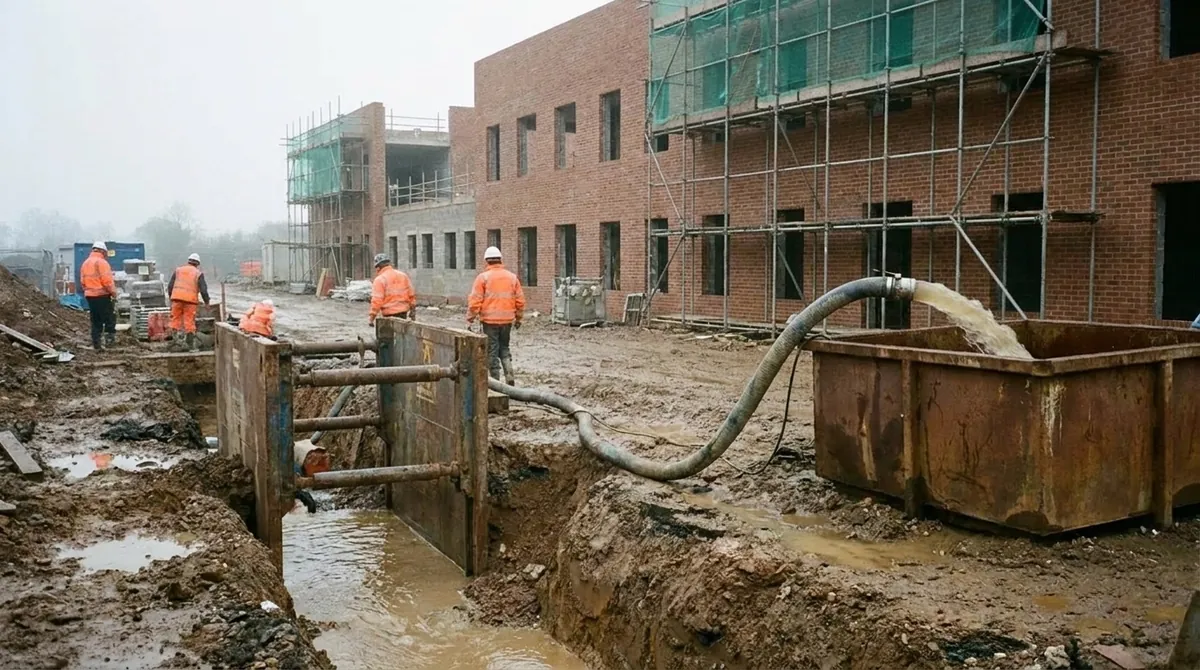 Fictional project
- Contract
- NEC4 Engineering and Construction Contract, Option B; Prices 1,169,739.13
- Client
- A district health partnership whose board signs the funding
- Register
- Risk Register in the ERP: the Client's risks, their EMV and P80
- Work in the ERP
- 5 tasks, about 1 h 30 min
Who hands what to whom
Every arrow is a figure or a decision that reaches your desk or leaves it, and the task where that happens.
Comes to you
- Funding workshopNames the risks
- Six risks, one not yoursTask 1
- ContractorBuilds under NEC4
- Notice of the old footingTask 4
 YouProject Manager for the Client
Goes from you
- Envelope and reserveTask 2
- Cost of late openingTask 3
- Funding after month 2Task 4
- Yes or noTask 5
The project and the people are fictional. Portraits are generated.
Your route through the job
Three tasks build the board's figure, two keep it true once work starts. Start with task 1: in Risk Register you record the Client's risks and read their expected cost.
Fund
Task 1 · 12 min
Whose risk is it?
- You produce
- The Client's register and its EMV
- Document
- Funding workshop notes
- In the ERP
- Risk Register
Fund
Task 2 · 18 min
P80: the figure the board funds
- You produce
- One more risk, the funding envelope at P80 and the board's reserve
- Document
- Funding policy
- In the ERP
- Risk Register
Fund
Task 3 · 20 min
What a late opening costs the Partnership
- You produce
- The expected cost of a late opening
- Document
- Lease and temporary rooms
- In the ERP
- Risk Register
Manage
Task 4 · 20 min
Month 2: a risk happened, one went away
- You produce
- The register at month 2 and the funding it needs
- Document
- Review notes
- In the ERP
- Risk Register
Manage
Task 5 · 20 min
Is the layout freeze worth paying for?
- You produce
- A treatment bought or turned down, on the money
- Document
- The planner's offer
- In the ERP
- Risk Register
From a list of worries to a figure a board can sign
Each step below is one task.
Blue is what the task adds; grey is carried over from before.
In short. Fund only the Client's risks, at a confidence the board chooses, and keep the figure true as the job runs.