







































Course introduction · 3 min
Bid leveling: drywall subcontractor bids (US)
You estimate for the general contractor on a two-storey classroom building for a public school district in California. It is bid day, and drywall is the biggest number still open. In four tasks you record a phoned bid, plug a scope gap, award the leveled low against the machine's rank and name your subs on the bid form before 2:00 pm.
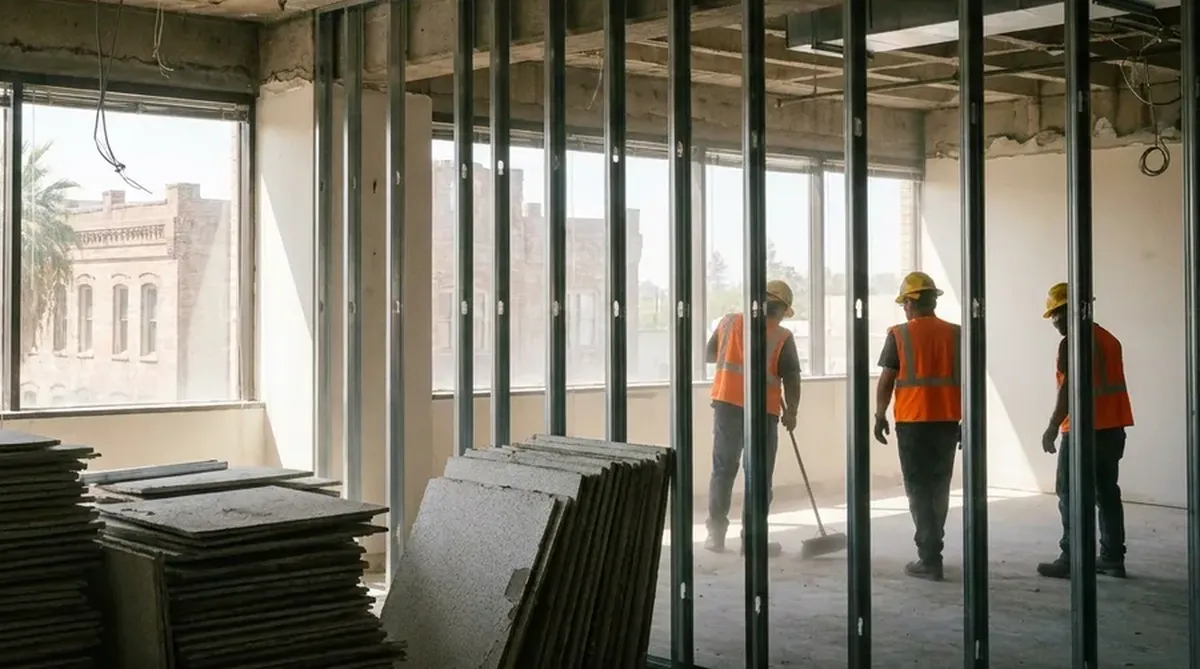 Fictional project
- Building
- Two-storey classroom building, steel frame, metal stud partitions
- What you level
- Three drywall bids on five scope lines
- Rules
- California Public Contract Code 4104 to 4107, DIR registration, Drennan v. Star Paving
- Work in the ERP
- 4 tasks, about 1 h 5 min
Who hands what to whom
Every arrow is a number that reaches your desk or leaves it, and the task where that happens.
Comes to you
- Drywall biddersThree subs, five lines
- Phoned bidTask 1
- Emailed bidsTask 2
 Chief estimatorSigns the bid
- Plug ruleTask 2
- Award ruleTask 3
 YouEstimator, general contractor
Goes from you
- AwardTask 3
- Bid with subs listedTask 4
The project and the people are fictional. Portraits are generated.
Your route through the job
Two short tasks get every number onto one scope, one awards, one carries the award into the bid. Start with task 1: in Bid Management you record the bid that came in by phone.
Record and level
Task 1 · 10 min
The 1:05 phone bid: record it as quoted
- You produce
- Brisco's phoned bid recorded line by line
- Document
- Notes from the call
- In the ERP
- Bid Management
Record and level
Task 2 · 15 min
Open the bids and plug the gap
- You produce
- The bids opened and Talmadge leveled with a plug
- Document
- Two emailed scope sheets
- In the ERP
- Bid Management
Award
Task 3 · 20 min
The leveled low, not the machine's rank
- You produce
- The package awarded to the leveled low
- Document
- The leveling sheet
- In the ERP
- Bid Management
Bid
Task 4 · 20 min
Carry the number and list your subs
- You produce
- The award in the base bid, and the subs to name
- Document
- The base bid
- In the ERP
- Bid Schedule
From three numbers to one carried price
Each step below is one task. A leveling sheet puts every bid on the same scope before anyone compares totals.
Blue is what the task adds; grey is carried over from before.
In short. Record as quoted. Plug on your sheet, not in the bid. Compare one scope. Name every sub the law requires.