







































Course introduction · 3 min
AI-priced estimates: check the rates before you bid
You are the cost engineer at a main contractor. An AI assistant priced the bill for a distribution warehouse in the Netherlands and named a source for every rate. A named source is not proof: it may not exist, be out of date or fit another item. In five tasks, in the Bill of Quantities, you check every source, re-price what fails and sign off a bid you can defend.
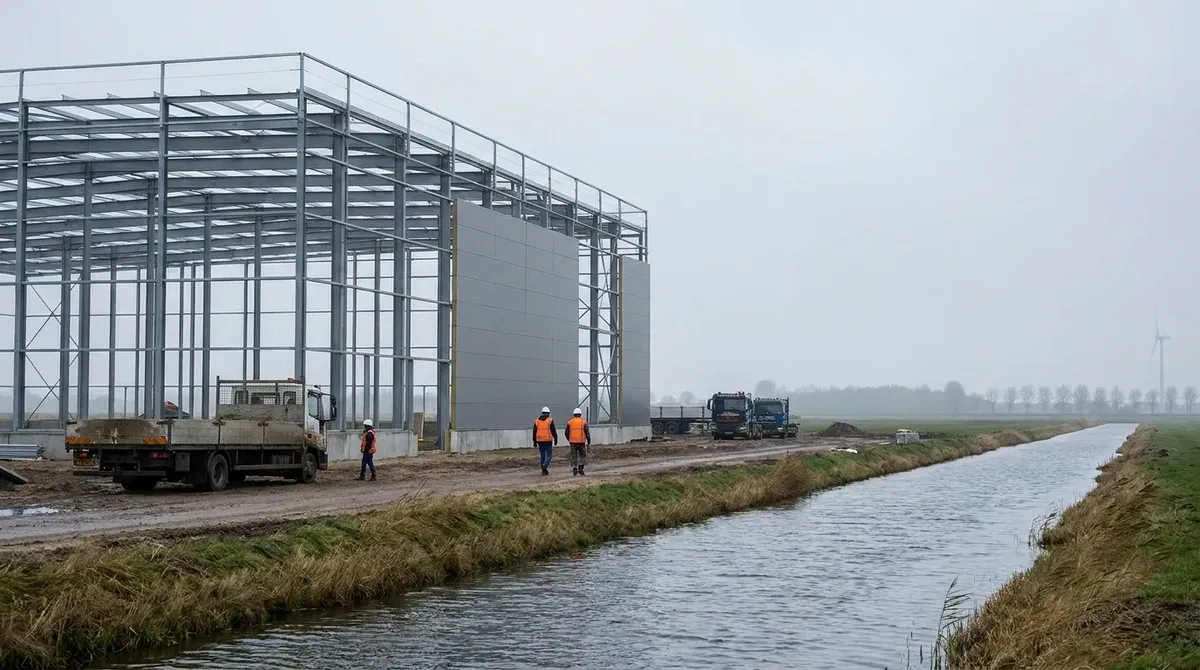 Fictional project
- Building
- Distribution warehouse
- Job
- Check an AI-priced bill before the bid goes out
- Story
- Tender stage, March 2026
- Work in the ERP
- 5 tasks, about 3 h 15 min
Who hands what to whom
Every arrow is a document that reaches your desk or leaves it, and the task where that happens.
Comes to you
- AI assistantPriced the draft
- Draft with sourcesTask 1
- Estimated ratesTask 3
 Steel supplierSteel quotation
- QuotationTask 2
 YouCost engineer, main contractor
Goes from you
- Verified sumTask 5
- TenderTask 5
 The clientLogistics operator
The project and the people are fictional. Portraits are generated.
Your route through the job
Three tasks on the rates, one on the markups, one to sign. Start with task 1: in Bill of Quantities you check the sources cited for section 01 and re-price the lines that fail.
Check the rates
Task 1 · 35 min
Provenance first: which of the assistant's rates has a source at all
- You produce
- Section 01 sources checked, failed lines re-priced
- Document
- The draft, with a cited source per line
- In the ERP
- Bill of Quantities
Check the rates
Task 2 · 40 min
Matching: a real rate for the wrong item
- You produce
- Section 02 re-priced, and the largest error
- Document
- Rate library and the steel quotation
- In the ERP
- Bill of Quantities
Check the rates
Task 3 · 40 min
Build-ups: the assistant's own estimate, and what it quietly includes
- You produce
- Two net rates (without markups) built from labour, material and plant
- Document
- Two items with no library row
- In the ERP
- Bill of Quantities
Check the markups
Task 4 · 40 min
The markup stack: the right percentage on the wrong base
- You produce
- The markups (overheads, insurance, profit) each on the right base
- Document
- The list of markups below the bill
- In the ERP
- Bill of Quantities, Markups
Sign off
Task 5 · 40 min
The row that was never produced, and the sum you sign
- You produce
- The verified tender sum, tested per m²
- Document
- The insurance row that was never produced
- In the ERP
- Bill of Quantities, Markups
How a verified bid is built
Each step below is one or more tasks. Every figure in the bid is checked before anything goes on top of it.
Blue is what the task adds; grey is carried over from before.
In short. A cited source is a claim. Check that it exists, is current and fits. Keep rates net. Read every markup's base.