







































All 5 tasks freeFoundation1.5 h of studyInternational
Quantity takeoff from PDF, DWG and IFC
On an invented six-storey mixed-use building.
Who it's for Quantity surveyor at the client's cost consultant
You will be able to
Skills checked
- Check the print scale of a drawing and calibrate on a figured dimension before measuring
- Measure partitions on the centreline to their built height, deducting only openings over the threshold
- Measure suspended slabs from a CAD file by layer and deduct voids by the bill rule
- Reconcile IFC model quantities with the bill rule and explain the gap
- Keep the bill quantity net and put cutting waste in the rate and the order
Tasks
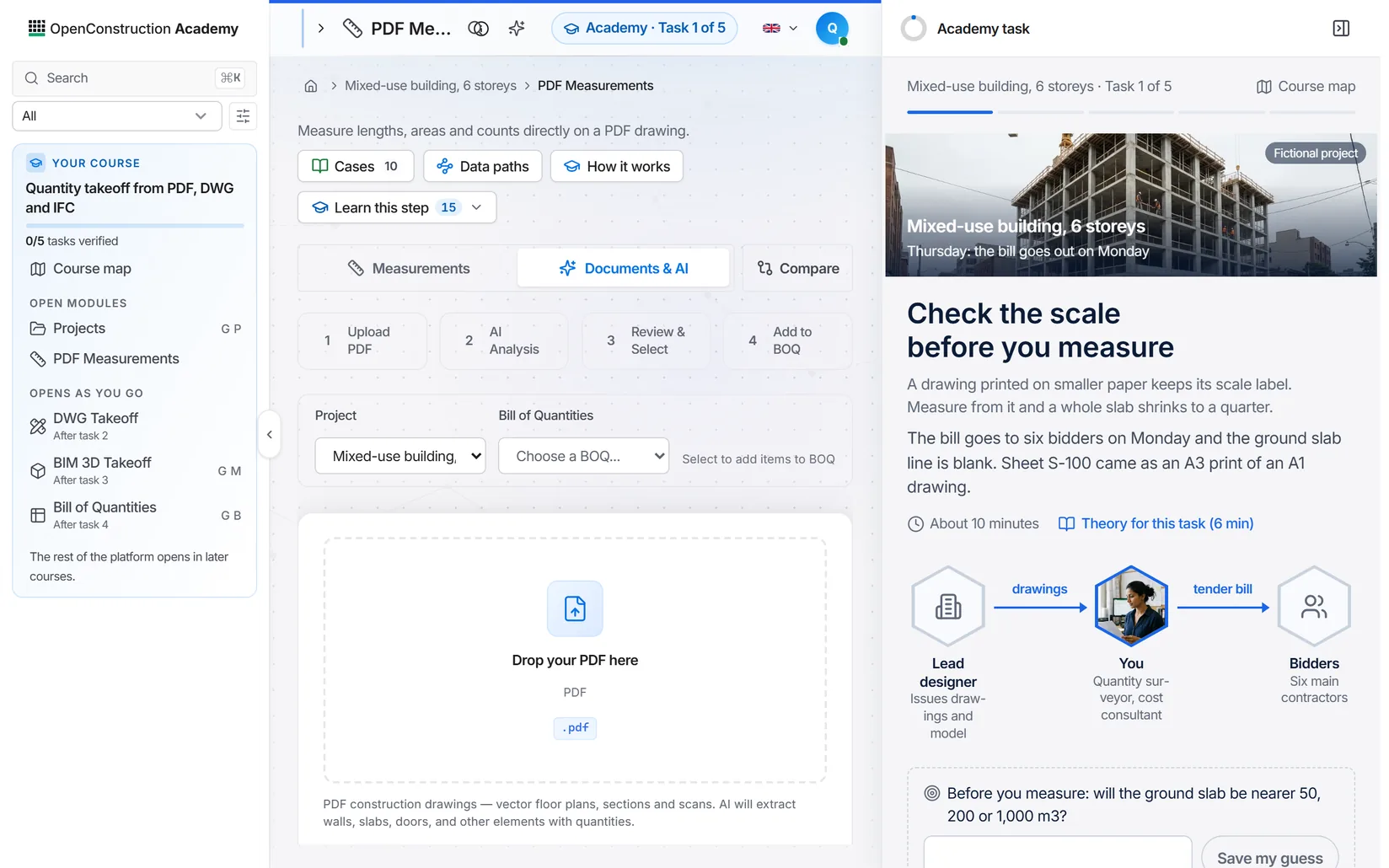
A task as it opens in the trainer, before you enter anything.
- 1
- 2
- 3
- 4
- 5
Difficulty is calculated from the steps and the figures you check in each task. Time is the median of real learners once enough have finished; until then it is the author's estimate.
Videos on this method
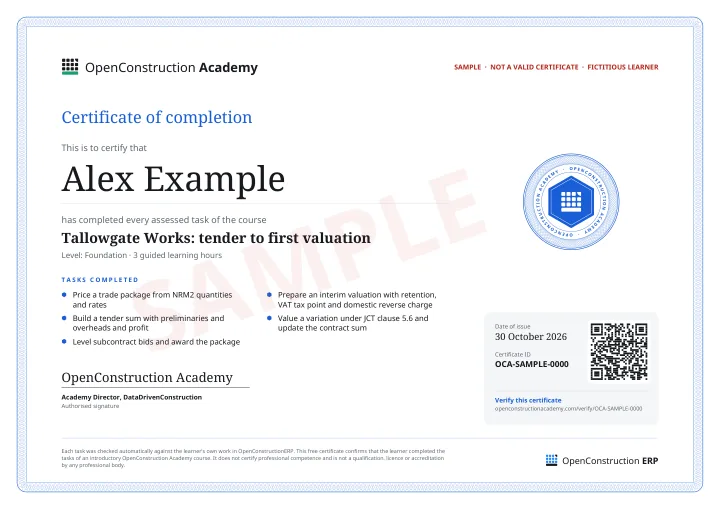
Certificate
Awarded when all 5 tasks pass the numbers, trace and explain checks.
Files you work with
Created in your OpenConstructionERP workspace the moment you enrol.
- parties3 records
- Estimatebill of quantities14 lines
- Documentsdrawings and model4 files
What next
Questions about this course? Write to info@datadrivenconstruction.io
Related courses
 Your roleEstimator
Tender estimate: from net rates to the tender sum
On a fictional six-storey mixed-use building.
Foundation1 h of studyFigures checked 10EN
All 5 tasks freeCertificate of completion


Price, win and vary a FIDIC contract
Take one building from tender to its first variation under the FIDIC Red Book 2017: price the last blank lines, build the tender sum, level and award the drywall.
Foundation1.5 h of studyFigures checked 21EN
All 5 tasks freeCertificate of completion
 Your roleMain contractor's estimator
Unit rate build-up: labour, materials, plant, variation
On a fictional six-storey mixed-use building under the FIDIC Red Book.
Foundation1.5 h of studyFigures checked 13EN
All 5 tasks freeCertificate of completion
 Estimator
 International

