







































Course introduction · 3 min
CPM schedule and time extensions (US, AIA A201)
You are the general contractor's scheduler on a three-storey building: you plan when each piece of work happens. The owner has asked for changes, and the weather was bad. In five tasks, in the Schedule module, you rebuild the remaining work as a network of linked activities, find the critical path (the chain that sets the finish), and work out how many days the owner's changes and the weather earn.
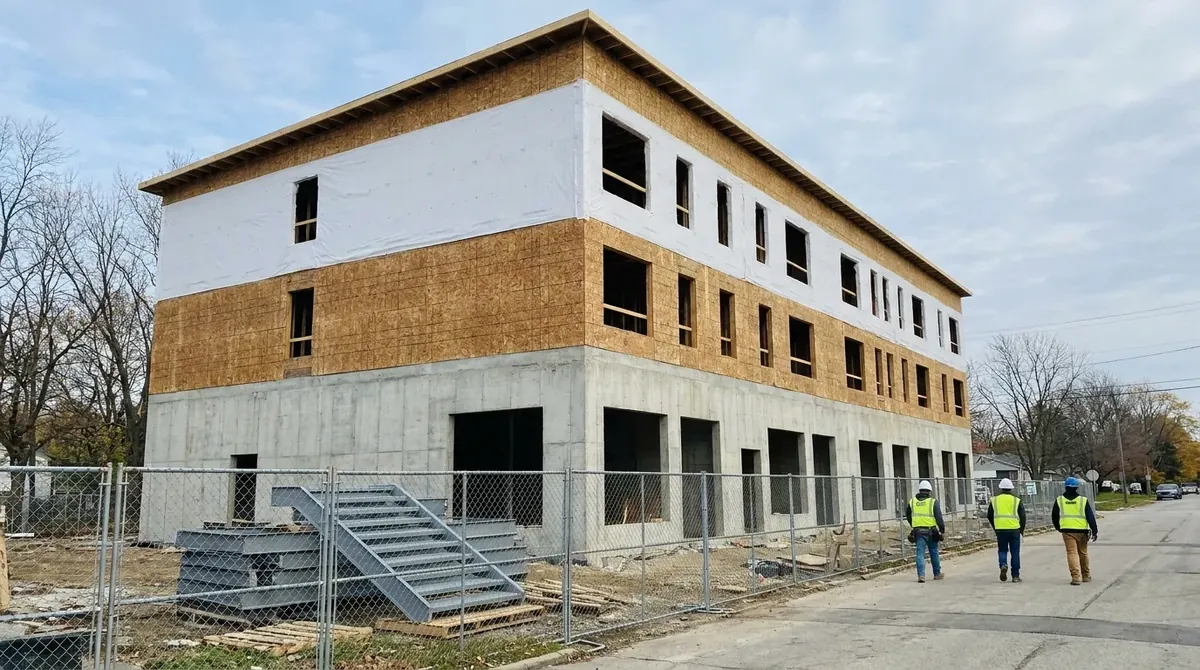 Fictional project
- Building
- Three storeys: retail on a concrete podium, two floors of wood-frame apartments
- Contract
- AIA A101-2017 stipulated sum (one fixed price) with A201-2017 general conditions
- Story
- Schedule update, February to May 2027
- Work in the ERP
- 5 tasks, about 2 h 45 min
Who hands what to whom
Every arrow is a document that reaches your desk or leaves it, and the task where that happens.
Comes to you
- Elevator subcontractorQuotes the installation
- Quote in weeksTask 1
- The ownerOwner, signs change orders
- CO-05Task 3
- CO-03Task 4
- SuperintendentYour firm, keeps the daily reports
- Daily reportsTask 5
Goes from you
- Schedule updateTask 1
- Critical pathTask 2
- CO-05 time analysisTask 3
- CO-03 fragnetTask 4
- Weather claimTask 5
Your route through the job
Two tasks build the update, two test owner changes against it, one weighs the weather. Start with task 1: in Schedule you work out durations from quantities and crew outputs and link the remaining work.
The update
Task 1 · 30 min
Durations and logic of the remaining work
- You produce
- The remaining work as a network
- Document
- Quantities, crew outputs, the elevator quote
- In the ERP
- Schedule
The update
Task 2 · 30 min
Critical path, float and the planned finish
- You produce
- Critical path, planned length, and the elevator's float (spare time)
- Document
- The update for the project manager
- In the ERP
- Schedule, Critical Path
Owner changes
Task 3 · 30 min
An owner change off the critical path
- You produce
- Float used by CO-05, and the extension if any
- Document
- Change Order CO-05, storefront glass
- In the ERP
- Schedule
Owner changes
Task 4 · 35 min
An owner change on the critical path: the fragnet
- You produce
- The CO-03 fragnet (the change drawn as a small network) and its extension in calendar days
- Document
- Change Order CO-03, quartz countertops
- In the ERP
- Schedule
Weather
Task 5 · 40 min
Abnormal weather and a concurrent delay
- You produce
- The weather extension, apart from your own delay
- Document
- Daily reports and weather normals
- In the ERP
- Schedule
How an event becomes days on the contract
Each column is the time to Substantial Completion, when the owner can use the building, after one task. Task 1 builds the durations they all stand on.
Blue is what the task adds; grey is carried over from before.
In short. Time follows the finish, not the activity. Measure each event on the current update, and state the extension in calendar days.