







































Stage 6 of 7 · Build
Document control, RFIs and submittals (CDE)
Issue, review and track drawings, RFIs and submittals in one controlled place.
- CoursesCourse in preparation
- Free videos7 videos
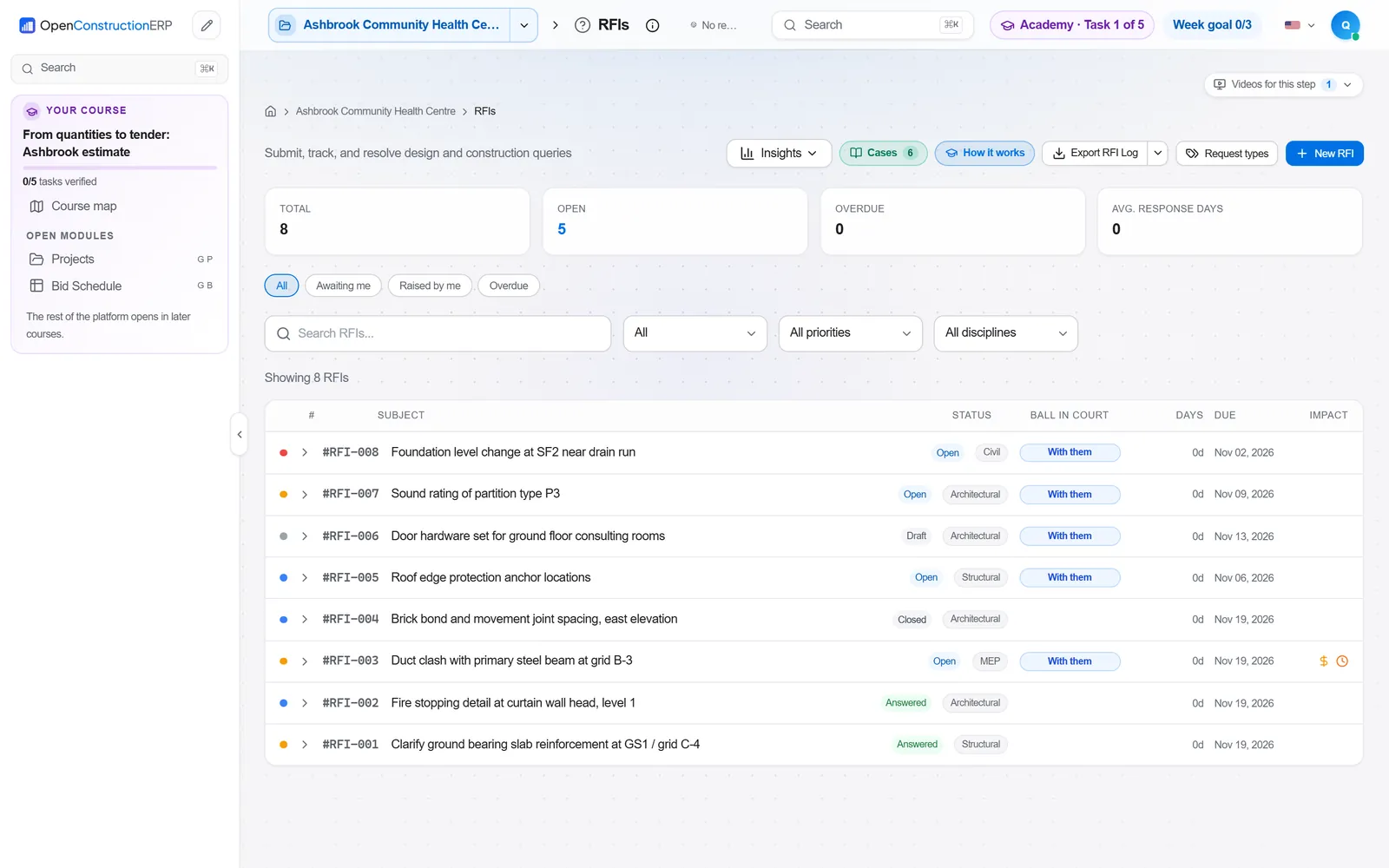
- Output
- Controlled document register, transmittals, RFI and submittal logs
- Module
- Documents and CDE
- Documents
- Standards and references
What it is
Document control makes sure everyone works from current, approved information. Drawings, specifications, models and reports are numbered to an agreed convention, issued with a revision and a status that says what they may be used for, and distributed with a transmittal. Superseded versions are kept but clearly withdrawn so that nobody builds from them.
Two workflows run on top of this. RFIs ask the design team to clarify missing or conflicting information, and each answer is tracked to a deadline because late answers cause delay. Submittals send shop drawings, product data and samples to the designer for review before work or orders proceed. A common data environment holds the whole record.
Who does it
- Document controller
- Maintains the register, numbering, statuses and transmittals.
- Information manager
- Sets up the CDE and the information standards for the project.
- Design team
- Issues drawings, answers RFIs and reviews submittals.
- Contractor's engineers
- Raise RFIs and prepare submittals.
- Project manager
- Chases overdue responses and links them to programme risk.
How it runs
Agree standards
Set the naming convention, revision rules, status codes and CDE workflow at project start.
Upload and check
Check each file against the naming rules and metadata before it enters the shared area.
Issue with transmittals
Distribute documents to named recipients with a transmittal and record acknowledgement.
Raise RFIs
Send one clear question with references and a required response date, and track it to an answer.
Review submittals
Submit shop drawings and product data, record the review status and resubmit where required.
Publish and archive
Move approved information to published, archive superseded revisions and keep the full history.
How it differs by country
- United Kingdom
- The UK BIM Framework implements BS EN ISO 19650, with a CDE workflow of work in progress, shared, published and archived. For higher-risk buildings, the Building Safety Act 2022 requires a golden thread of accurate, up-to-date information.
- Germany
- Document control rules are usually set in the contract and the project manual, and design deliverables follow the HOAI Leistungsphasen. DIN EN ISO 19650 applies on BIM projects.
- France
- Execution drawings (plans d'exécution) are produced by the contractor and reviewed through the visa of the maître d'œuvre. The DOE (dossier des ouvrages exécutés) collects the as-built documents at the end.
- United States
- Submittals are organised by CSI MasterFormat specification sections, and AIA A201 sets the contractor's duties for shop drawings, product data and samples. RFIs are tracked in logs, with response times often set by contract.
- International
- ISO 19650 parts 1 and 2 define information management for design and construction, including the CDE and status codes. FIDIC 2017 Sub-Clause 1.3 requires notices and other communications in writing to the stated address.
Common mistakes
- Inconsistent file names, so the latest revision cannot be found.
- Building from drawings issued for information or not yet approved.
- RFIs that ask several questions at once or lack drawing references.
- No required response date, so RFIs sit unanswered.
- Submittals sent late, leaving no time for review before orders are placed.
- Sending documents by email outside the CDE, leaving gaps in the record.
In OpenConstructionERP
Module: Documents and CDE
The Documents and CDE modules provide the backbone. Common Data Environment (ISO 19650) manages containers, revisions, state transitions and suitability codes, and File References validates ISO 19650 filenames. Document Management handles upload, tagging and search, with File Versioning keeping every version. Transmittals and File Transmittals record issues and acknowledgements. Correspondence logs letters and notices with cross-references. Teams run RFI and submittal reviews through File Approvals, with multi-step approval and stamp burning, and File Comments for markup pins.
Common Data Environment (ISO 19650) · File References · Document Management · File Versioning · Transmittals · File Transmittals · Correspondence · File Approvals · File Comments
The app runs at openconstructionacademy.com/app for course learners.
Free videos
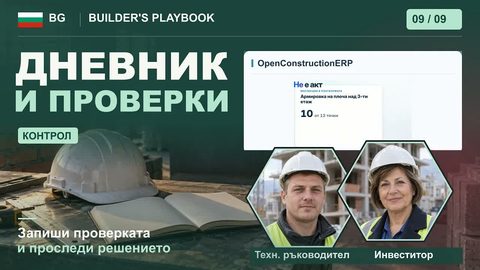 2:03Строителен дневник и проверки: забележки, срокове и проследяванеБългарски
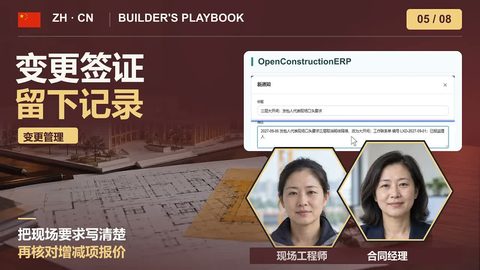 5:05变更与签证:口头指示变书面,按合同期限报价中文
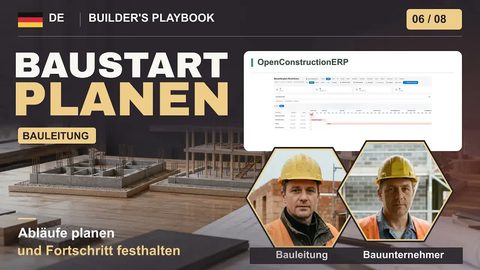 3:27Baubeginn organisierenDeutsch
 2:58On Site: Log, Inspect, FixEnglish
 4:32Giornale di cantiere: documentare imprevisti ed extraItaliano
 5:59Dokumente und Entscheidungen sichernDeutsch
 1:53Diario de obra e inspecciones: órdenes y no conformidadesEspañol
Courses
A course on this process is in preparation. Until then, the videos above cover it.
Practise it in OpenConstructionERP
The free videos explain the process. The full course lets you run it yourself in the ERP, task by task.