







































Stage 1 of 7 · Define
Project setup, WBS and cost codes
Set up the project, its work breakdown and cost codes so every cost lands in the right place.
- CoursesCourse in preparation
- Free videos6 videos
- Output
- Project record, work breakdown structure and cost code register
- Module
- Platform / projects
- Documents
- Standards and references
What it is
Project setup is the point where a project gets its identity in the commercial system: its name, location, currency, classification standard, work breakdown structure and cost codes. The WBS divides the scope into manageable packages, and the cost codes give every estimate line, order, invoice and timesheet a place to land. Decisions taken here are hard to reverse once data starts to flow.
A good setup feeds every later process. The estimate is structured by it, tender packages are cut from it, the budget is loaded against it and actual costs are reported through it. If the WBS and cost codes do not match how the work will be bought and built, the team ends up reconciling spreadsheets by hand for the rest of the job, and cost reports lose credibility with the client and the board.
Who does it
- Project manager
- Defines the scope breakdown, key packages and reporting levels the project will be run on.
- Quantity surveyor or cost manager
- Selects the classification standard and builds the cost code structure that the estimate and cost reports will use.
- Planner
- Aligns WBS elements with schedule activities so progress and cost can be compared on the same basis.
- Finance or commercial lead
- Confirms company-level codes, currency, tax treatment and how project costs map to the accounts.
- System administrator
- Creates the project, sets up users, roles and access rights for the project team.
How it runs
Register the project
Create the project with client, location, currency, tax settings and key dates. Record the contract form expected, since it affects payment and change procedures.
Choose the classification standard
Pick the cost classification the client and market expect, such as NRM, DIN 276 or MasterFormat, and decide whether an internal code set sits underneath it.
Build the WBS
Break the scope into buildings, zones, elements or trade packages down to the level at which cost and progress will be controlled.
Define cost codes
Create the cost code list linking WBS elements to cost types such as labour, plant, materials, subcontract and preliminaries.
Set up the team and permissions
Add users with roles that match their responsibilities, so that estimators, buyers and site staff see and edit only what they should.
Configure validation rules
Switch on data checks for the chosen standard so missing codes or incomplete positions are caught early.
Freeze and communicate
Issue the agreed structure to the team and control later changes to it through a simple approval step.
How it differs by country
- United Kingdom
- RICS NRM1 gives a standard element breakdown for cost planning, and NRM2 sets rules for detailed measurement of building works. Many cost managers structure the cost plan to NRM1 groups from the start so that it can be compared with benchmark data.
- Germany
- DIN 276 defines cost groups (Kostengruppen) such as 300 for building construction and 400 for building services, used for public and most private building projects. HOAI work stages (Leistungsphasen 1 to 9) set when cost estimates of increasing accuracy are required.
- France
- Projects under the loi MOP, now part of the Code de la commande publique, follow defined design phases such as ESQ, APS, APD, PRO and DCE. Works are usually split into lots by trade, which often becomes the first level of the breakdown.
- United States
- CSI MasterFormat organises specifications and cost data by work results in divisions, while UniFormat organises by building systems and is common for early estimates. Many contractors code costs to MasterFormat divisions with an internal job cost structure beneath.
- International
- On FIDIC-based projects the breakdown should reflect the bill of quantities or schedule of payments in the contract, since interim payments and variations are valued against them. Lenders on international projects often require cost reporting in their own format as well.
Common mistakes
- Building the WBS around the drawing set rather than around how the work will be procured and controlled, which leaves packages that cross many codes.
- Creating too many cost codes, so that site staff code at random and the reports become noise.
- Using a different structure for the estimate and the budget, which makes the handover from estimating to delivery a manual re-coding exercise.
- Ignoring the client's required reporting standard until the first cost report is due.
- Allowing ad hoc changes to the code list during the project without recording them, which breaks comparisons between periods.
In OpenConstructionERP
Module: Platform / projects
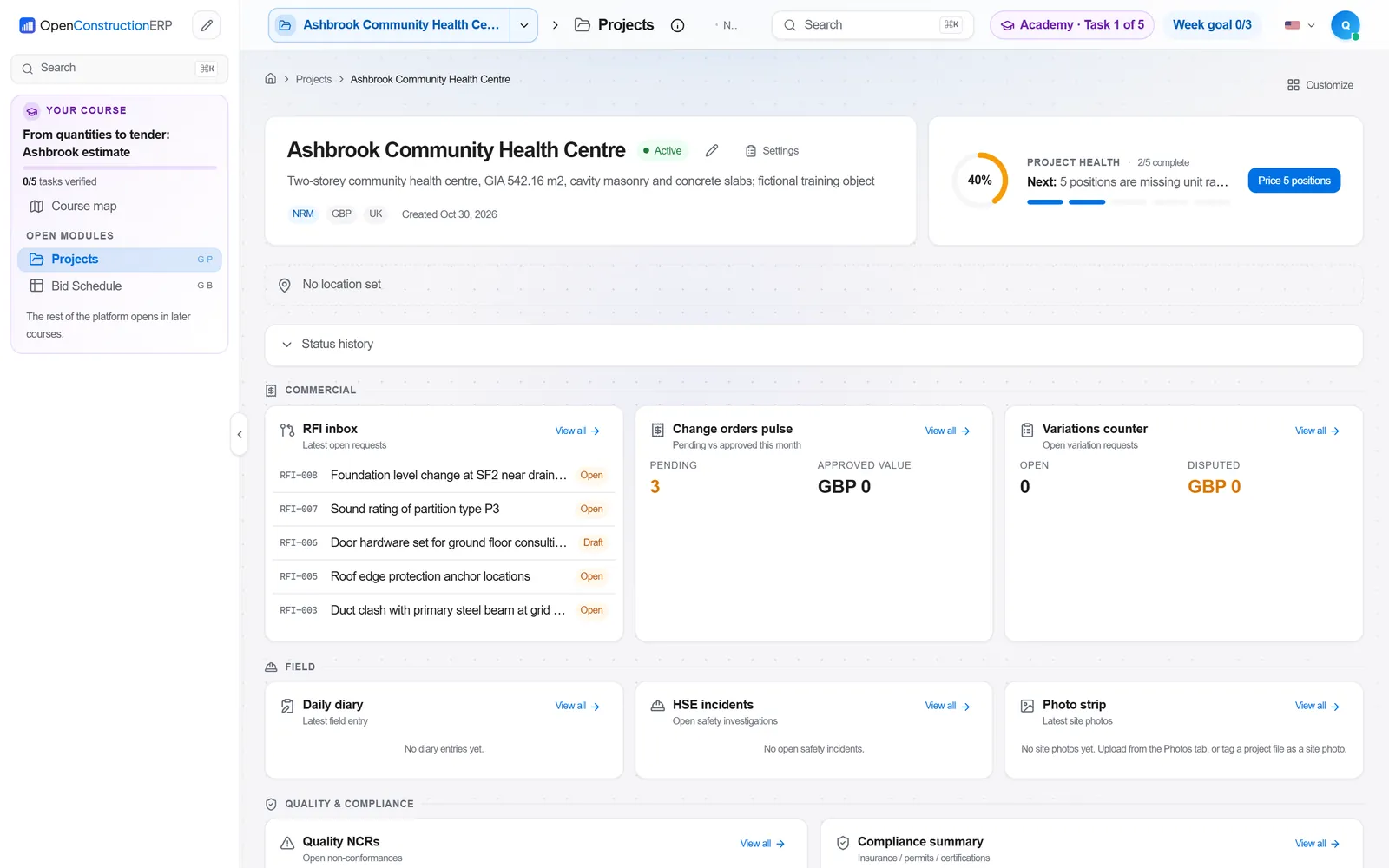
In OpenConstructionERP the Projects module holds the project record with regional settings, classification standards and validation configuration. Users and Authentication and Team Visibility control who can see and edit each project and its entities. The Validation Engine applies rule sets such as DIN 276, GAEB, NRM and MasterFormat to catch structural gaps early. Approval Routes can put changes to the agreed structure through a defined sign-off, and Onboarding can install a sample project and import a cost base so a new team can start from a working example.
Projects · Users & Authentication · Team Visibility · Validation Engine · Approval Routes · Onboarding
The app runs at openconstructionacademy.com/app for course learners.
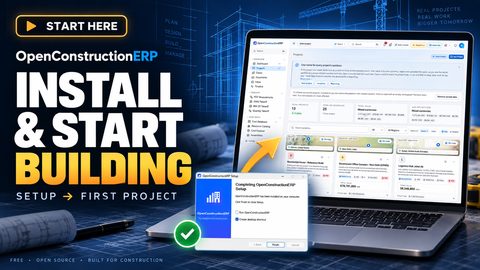
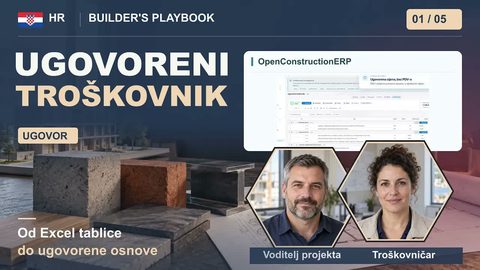
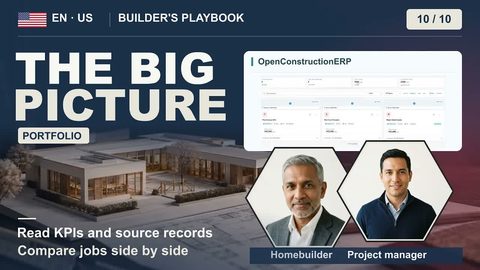
Free videos



Courses
A course on this process is in preparation. Until then, the videos above cover it.
Practise it in OpenConstructionERP
The free videos explain the process. The full course lets you run it yourself in the ERP, task by task.