







































Stage 5 of 7 · Plan
Planning and scheduling (CPM)
Build a logic-linked programme, find the critical path and keep it updated.
- ProfessionalProgramme and critical path on Ashbrook
- Free videos7 videos
- Output
- Baseline programme with critical path and progress updates
- Module
- Planning and schedule
- Documents
- Standards and references
What it is
Planning and scheduling set out the sequence and timing of the work. The critical path method links activities by their dependencies and durations to find the longest path through the project, which sets the earliest completion date. Activities off that path have float. A programme also shows resource demand, procurement dates, design information required and key milestones such as access dates and sectional completion.
The programme is a management tool and a contract document. It drives procurement, resource planning, preliminaries and cash flow, and it is the main evidence in extension of time claims. A baseline that is realistic, logically linked and regularly updated lets the team see delay early and act. A programme drawn as a bar chart without logic tells little and is weak evidence when time is disputed.
Who does it
- Planner
- Builds the logic-linked programme, updates progress and analyses delay.
- Project manager
- Owns the programme and decides how to recover delay.
- Site managers and foremen
- Provide durations and sequence knowledge, and report actual progress.
- Subcontractors
- Contribute their own programmes and commit to weekly work plans.
- Contract administrator
- Reviews and accepts programmes submitted under the contract.
How it runs
Break down the work
Define activities from the WBS at a level that can be managed and measured.
Link the logic
Add dependencies between activities so that the programme reacts correctly to change.
Estimate durations and resources
Set durations from quantities and production rates, and check resource demand is achievable.
Calculate the critical path
Run the schedule, review the critical path and float, and adjust the sequence where needed.
Set the baseline
Agree and save the baseline programme, and submit it where the contract requires.
Plan short term
Use look-ahead and weekly plans to remove constraints before work starts.
Update and report
Record actual progress regularly, reforecast the finish and report any delay with its cause.
How it differs by country
- United Kingdom
- NEC4 places heavy weight on the Accepted Programme, and the contractor must submit revised programmes at set intervals. The SCL Delay and Disruption Protocol is widely referred to for programme practice and delay analysis.
- Germany
- Under VOB/B time periods are set in the contract, and § 6 VOB/B deals with hindrance (Behinderung), which the contractor must notify in writing. Programmes are commonly kept as bar charts or network plans.
- France
- The CCAG-Travaux provides for a programme of works (calendrier d'exécution) prepared during the preparation period and agreed with the maître d'oeuvre. Delays and penalties are managed under its terms.
- United States
- CPM scheduling is standard on larger projects, and many public owners specify schedule requirements and update frequency in the contract. AACE International recommended practices are commonly referred to for forensic schedule analysis.
- International
- FIDIC 2017 requires the contractor to submit an initial programme and revised programmes, with content set out in Sub-Clause 8.3. Extension of time claims rely on showing the effect of an event on the programme.
Common mistakes
- Producing a programme with missing logic or hard constraints, so the critical path is meaningless.
- Updating the programme by changing the baseline, which hides delay instead of showing it.
- Planning only the main contractor's work and ignoring design, procurement and approval activities.
- Not linking the programme to the cost and resource plan, so time-related costs are not forecast.
- Recording progress too infrequently to support a later delay claim.
In OpenConstructionERP
Module: Planning and schedule
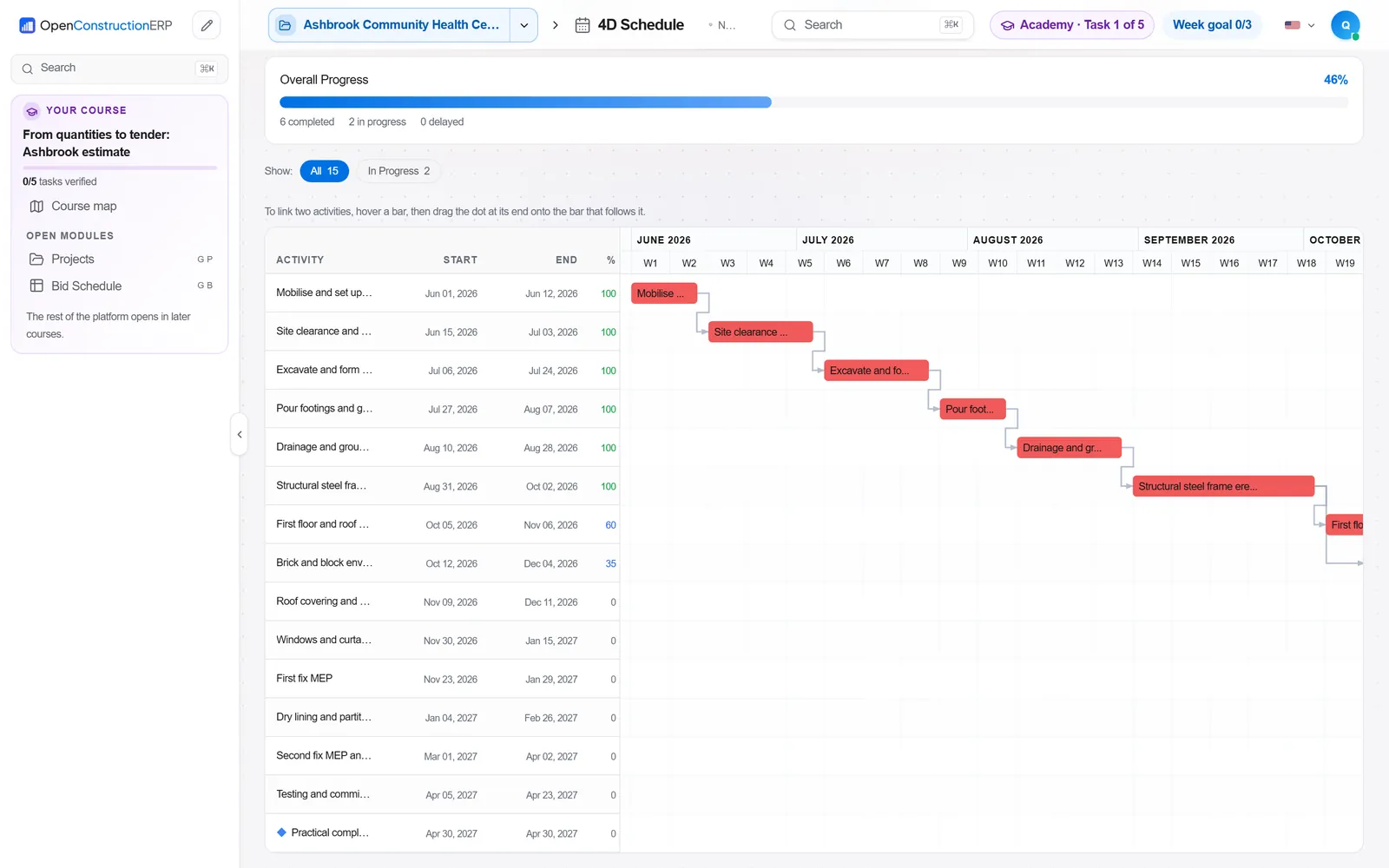
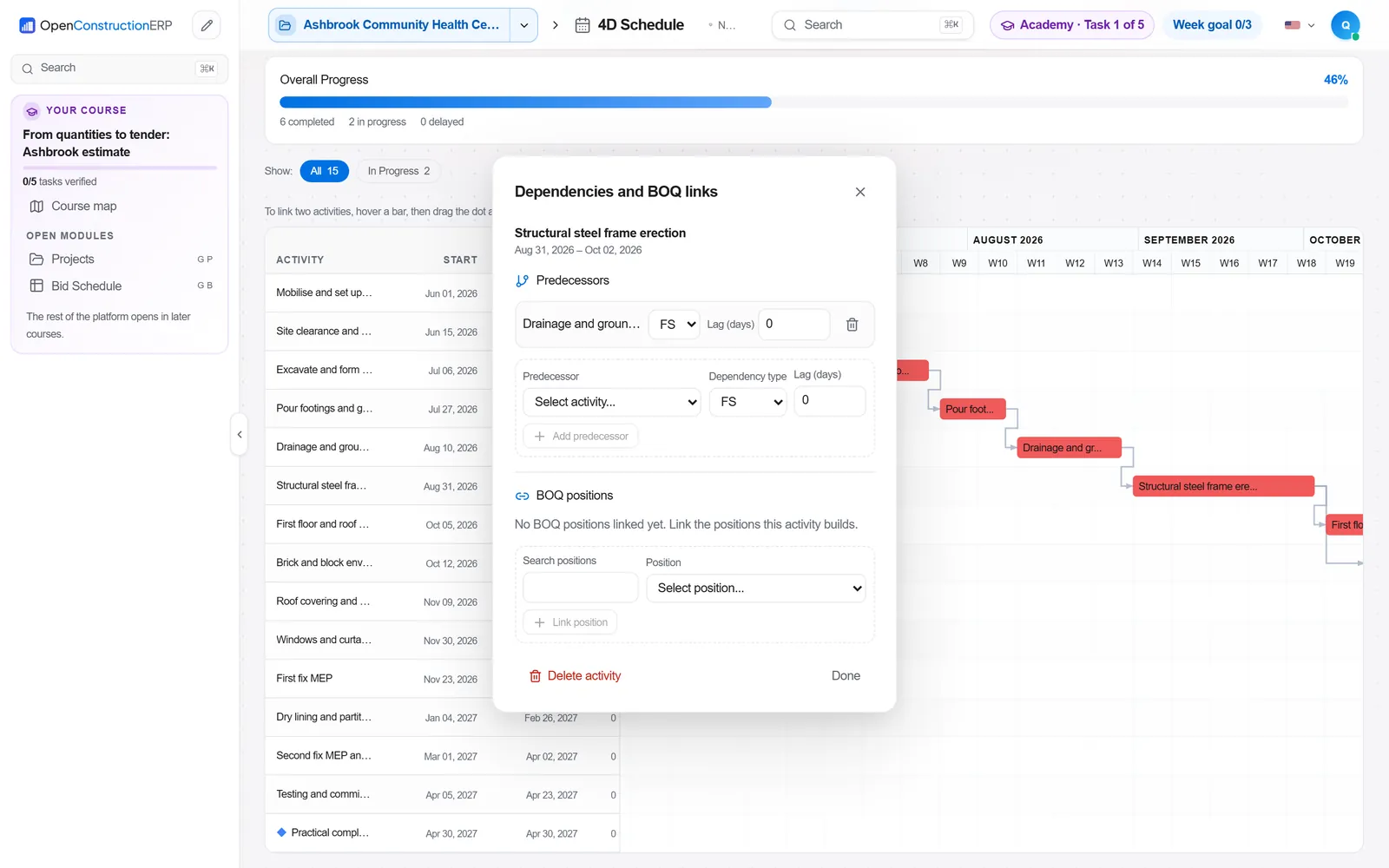
In OpenConstructionERP the 4D Schedule module links BOQ positions to the construction timeline, so cost and time share one structure. Portfolio holds a programme tree of projects and runs CPM scheduling across a subtree. Schedule Advanced (Last Planner) supports phase plans, look-ahead, constraints, weekly work plans and PPC tracking. Resource Planning checks crews, plant and subcontractors for availability and conflicts. Progress Tracking records percent complete per BOQ position with S-curves, and Tasks keeps actions and decisions assigned.
4D Schedule · Portfolio · Schedule Advanced (Last Planner) · Resource Planning · Progress Tracking · Tasks
The app runs at openconstructionacademy.com/app for course learners.
Free videos
 7:07Cronograma físico-financeiro de obra: Gantt, caminho crítico e curva SPortuguês
 2:18Договор и линеен график: срок, аванс и етапи на строителствотоБългарски
 4:48Schedule to Substantial PerformanceEnglish
 4:45Privremena situacija iz izvedenih radovaHrvatski
 3:27Baubeginn organisierenDeutsch
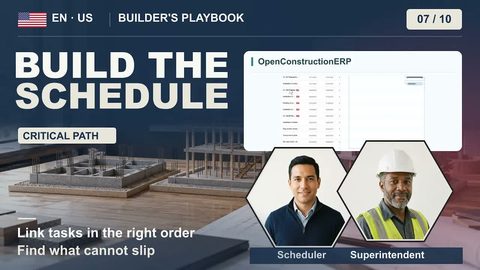 3:03Build the Schedule: What Cannot SlipEnglish
 4:31Abhängigkeiten und Ressourceneinsatz planenDeutsch
Courses
Practise it in OpenConstructionERP
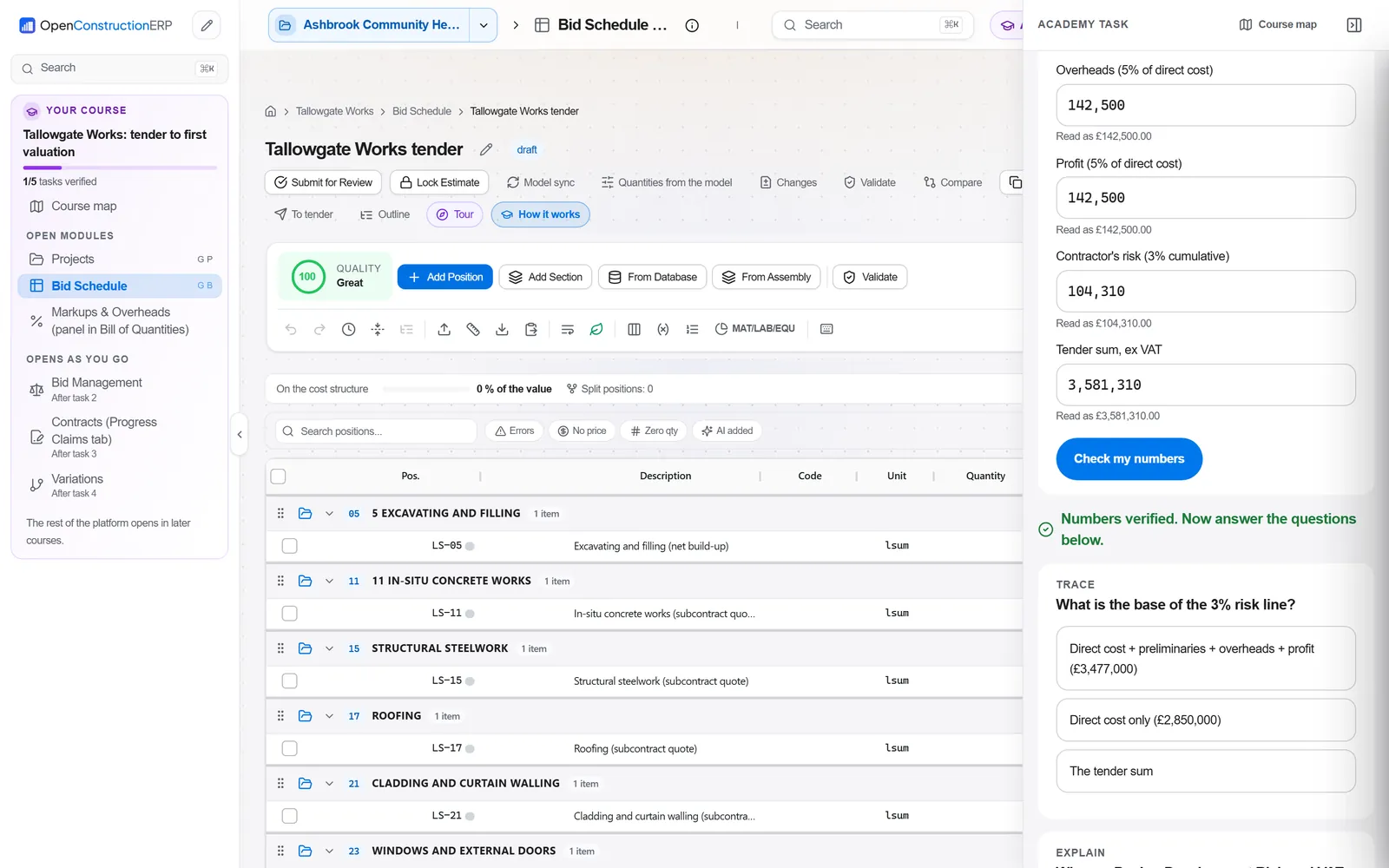
The free videos explain the process. The full course lets you run it yourself in the ERP, task by task.